Terms, Benefits & How to Register
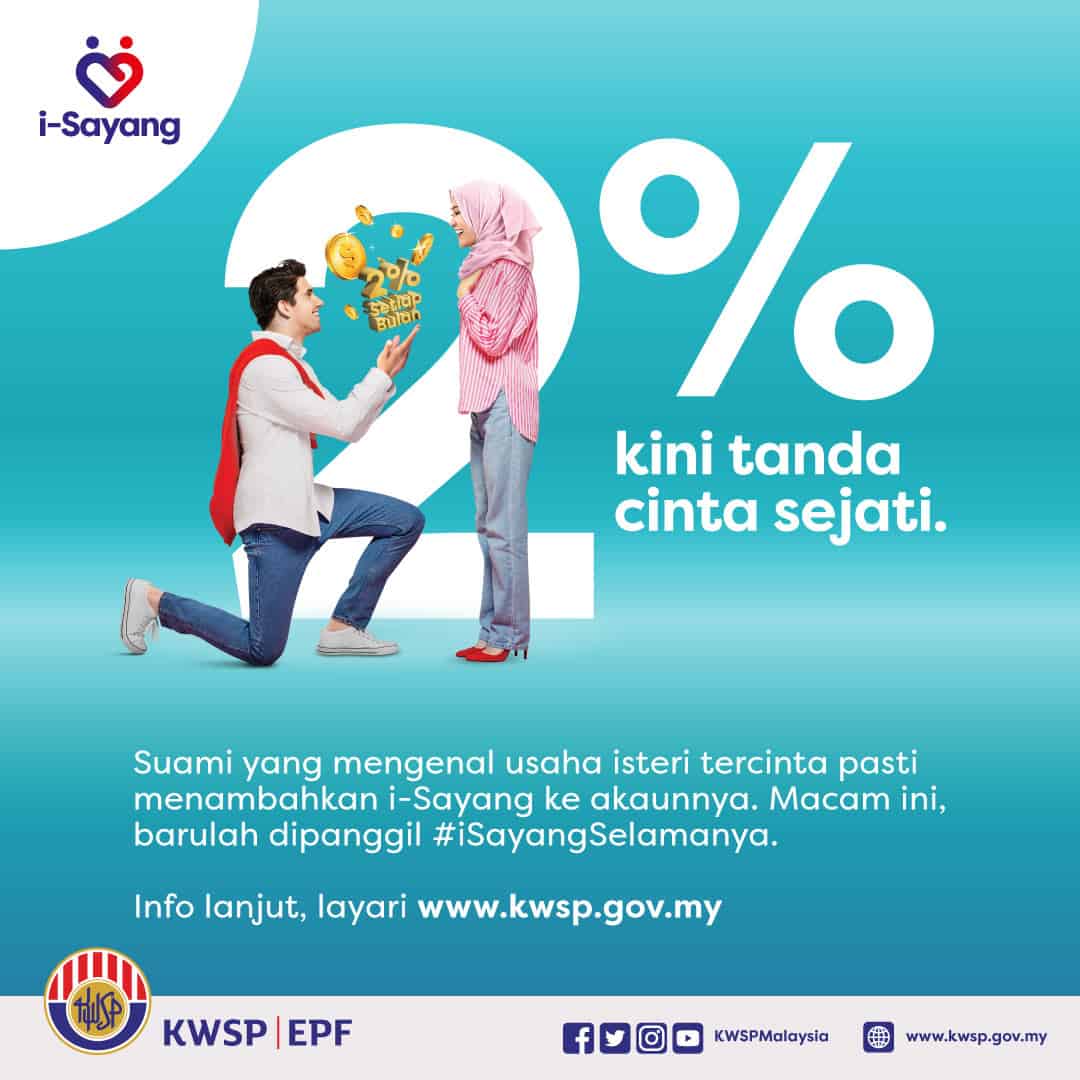
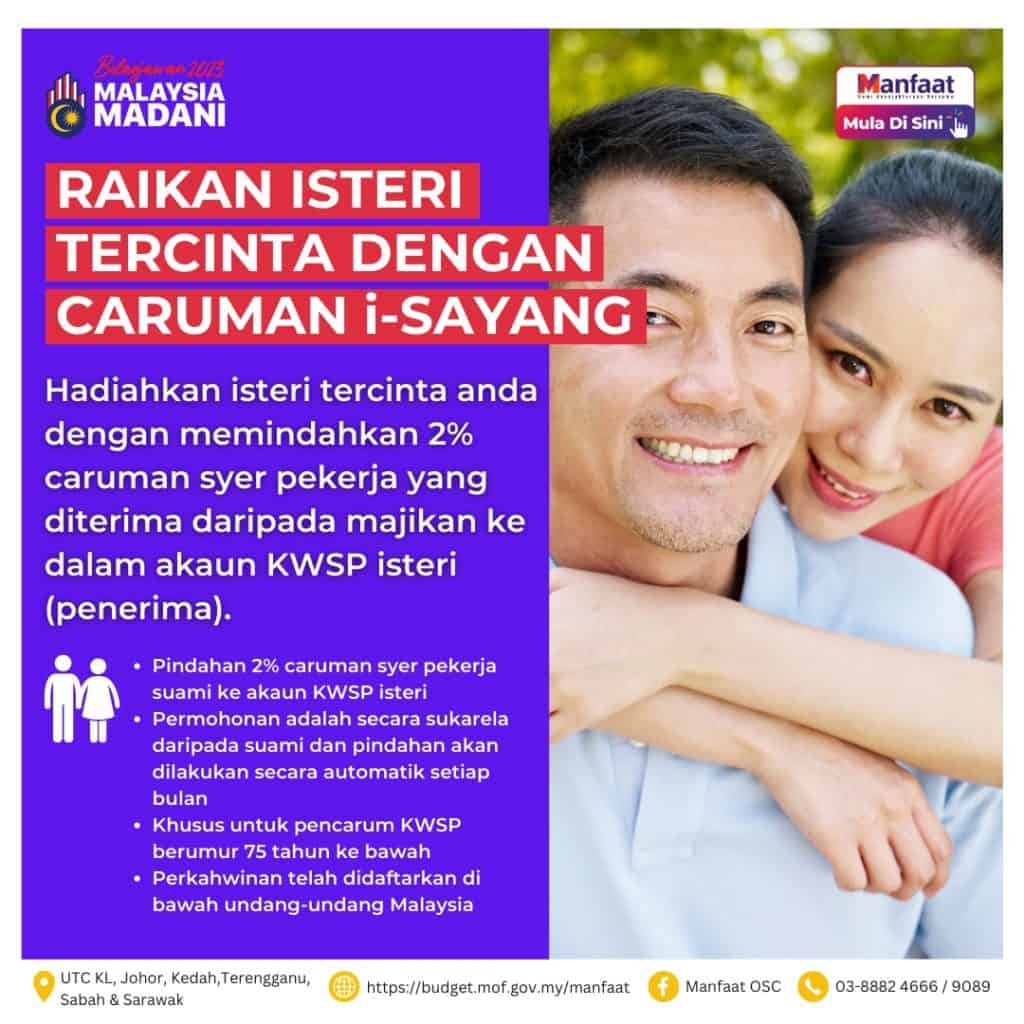
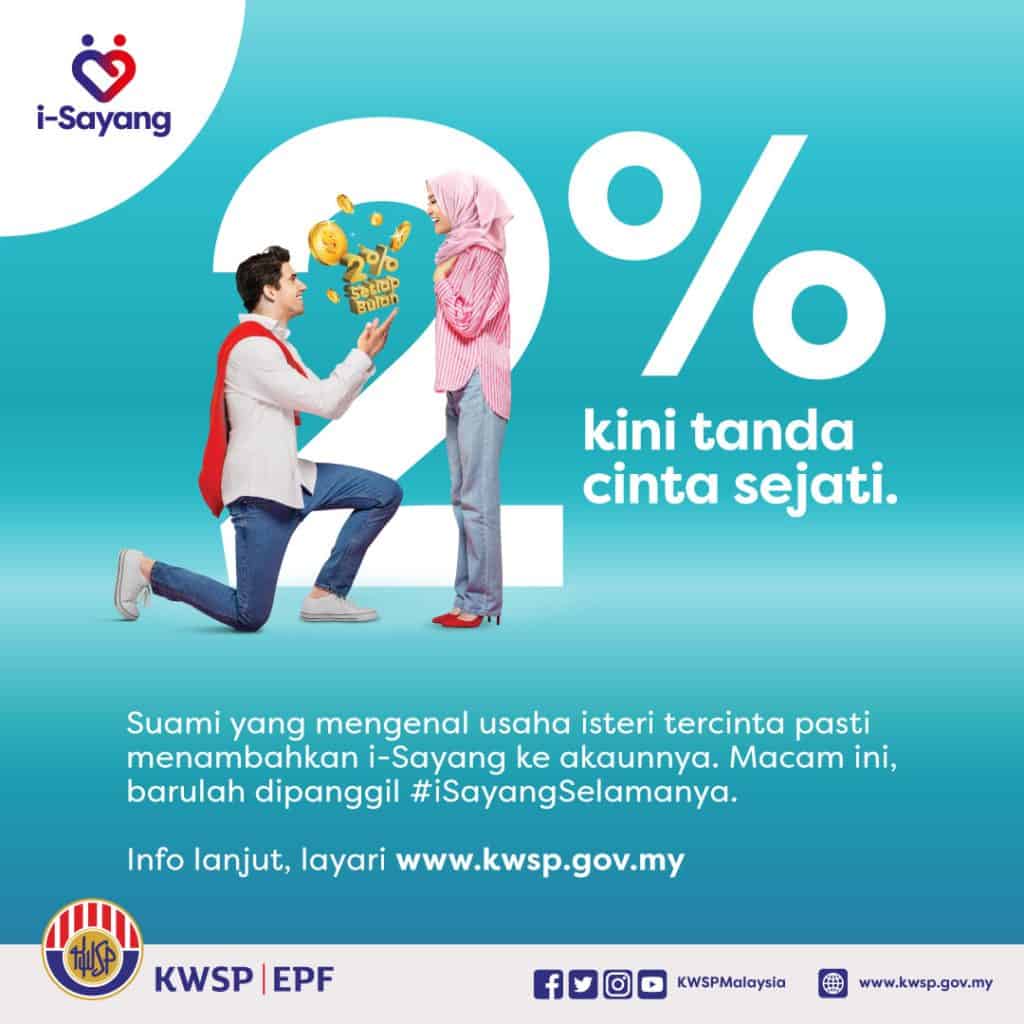
i- Sayang EPF is an initiative introduced by the government to give an option to husbands (givers) to make EPF contributions to wives by transferring 2% employee share contribution from the employer to the EPF account of the wife (beneficiary).
This is part of efforts to help improve the quality of life of the community and especially EPF members.
Visit the KWSP i- Sayang portal to check the terms and conditions for registration on the official KWSP portal via the following link:
For women who always work hard and try to provide the best for themselves and their families, make sure your future is guaranteed with retirement savings.
Below we share more about i- Sayang EPF for mutual information.
Summary of i-Darling EPF
- i- Sayang is a transfer of 2% of the husband’s employee share contribution to the wife’s EPF account.
- The application is voluntary on the part of the husband and the transfer will be made automatically every month when the employer’s contribution is credited to the husband’s EPF account.
- This transfer of contributions cannot be canceled unless there is a divorce or death of the wife.
- Open to couples (husband & wife) EPF members, age below 75 years oldand registered marriage in Malaysia.
- Registration can be done easily via i-Account applicationEPF Self Service Terminal (SST), or at the nearest EPF counter.
What is i-Darling EPF?
i- Sayang is an initiative introduced by the Government to give the husband (giver) the option to make a transfer 2% employee share contribution received from employer to wife (beneficiary) EPF account.
ADVANTAGES & FEATURES OF THE I-SAYANG SCHEME:
- Transfer 2% of husband’s employee share contribution to wife’s EPF account.
- The application is voluntary from the husband and the transfer will be made automatically every month if any contribution from the employer is credited to the husband’s EPF account.
- This transfer of contributions cannot be canceled unless there is a divorce or death of the wife (recipient).
- EPF divides i- Sayang contributions by 2% to the wife’s account (recipient) by crediting 70% to Account 1 and 30% to Account 2.
Starting in 2025 and continuing in 2026, the i‑Saraan incentive is increased from 15% to 20%, with a maximum limit of RM500 per year and RM5,000 for life.
In addition, the i-Suri program will also continue in 2025 with a companion incentive of 50%, with a maximum limit of RM300 per year and RM3,000 for life for housewives under 55 years old who are registered with e-Kasih.

i- Sayang EPF Eligibility Conditions
The following are the eligibility requirements to take part in the KWSP i- Sayang scheme as a donor and recipient:
HUSBAND – GIVER
- Malaysian citizen or non-citizen
- EPF member
- Not yet reached the age of 75 years
- The marriage was registered under Malaysian law
WIFE – RECIPIENT
- Malaysian citizen
- EPF member
- Not yet reached the age of 75 years
- The marriage was registered under Malaysian law
How to Register/Register for i- Sayang EPF
The application for i- Sayang registration is made voluntarily by the husband (giver) through 3 (three) channels as follows:
- i-Akaun (Member) – Application or Web Portal
- Self Service Terminal (SST); OR
- Nearest EPF office along with i- Sayang Registration Form – KWSP 16G (SY) which is fully charged.
No supporting documents are required during the i- Sayang registration process.
USE:
Cancellations cannot be made on approved i- Sayang registrations without any reason. The husband (giver) can only cancel in the event of divorce or death of the wife (recipient).
Note: In the event of a divorce or death of the wife (recipient), the husband (giver) must immediately go to the EPF counter to submit an annulment request. Delay in notifying the EPF regarding this will result in direct transfer of the dues to the account of the wife (beneficiary).
How to Register i- Sayang Via i-Account EPF
Here’s how to register for i- Sayang EPF via the i-Akaun (member) application or web portal:
- First of all, make sure the husband and wife are both EPF member and the marriage was registered under Malaysian law.
- Download and open the app EPF i-Account on the phone (Android/iOS).
- Log in to your i‑Account (Member) using your EPF User ID and password.
- In the main menu, select a module i‑Dear / Contribution to Your Wife.
- Fill in the wife’s information as recipient: name, MyKad number and EPF member number (if requested) and confirm the wedding details.
- Check approval for transfer 2% monthly employee stock contribution to wife’s EPF account and check application summary.
- Submit an application. A 2% transfer will take place automatically every month after the employer’s contribution is credited to the husband’s EPF account.
DOWNLOAD i- Sayang EPF APP :
Also see the illustrated guide for i- Sayang contribution registration below:


How to Check i- Sayang Contribution Payments
Here’s an easy way to check i- Sayang contribution payments via the KWSP i-Akaun application or portal:
Check via the KWSP i-Akaun (Mobile) Application
- Login to the EPF i-Akaun application using your User ID and Password.
- Select the Home or Storage tab at the bottom of the screen.
- Check monthly reports (e-Statements). The i- Sayang contribution will be displayed as “i- Sayang Transfer” or “2% employee share to wife’s account” in the Account 1 (Company) transaction details.
- Wife can check in her own EPF account. i- Sayang contributions are entered as additional contributions in Account 1.
Check via the i-Akaun Web Portal (
- Login to the i-Akaun website on the official EPF website.
- Go to Reports > Download EPF Report and select the desired month.
- Look for the i- Sayang transaction in the list of contribution transactions – there you can clearly see the transfer of 2% of employee shares.
NOTE: i- Sayang transfer is automatic every month after the husband’s employer contribution is credited.

Example of display of i- Sayang contributions received (credit: Nazariah Basri)
Further information
Further information regarding i- Sayang can be obtained through the following channels:
Frequently Asked Questions
i- Sayang is a voluntary initiative that allows husbands to automatically transfer 2% of their employees’ share contributions to their wives’ EPF accounts every month to secure their wives’ financial future.
Can’t. Currently i- Sayang contribution transfers are limited to only 2%.
Can’t. The i- Sayang initiative only allows transfer of contributions from the husband’s EPF account to the wife’s EPF account.
Cancellations cannot be made on approved i- Sayang registrations without any reason. The husband can only make an annulment if there is a divorce or the wife’s death.
Use: In the event of a divorce or death of the wife, the husband must immediately come to the KWSP counter to submit an annulment request. Delay in notification to the EPF regarding this matter will result in the transfer of the contribution directly into the wife’s account.
The formula for calculating the transfer of 2% of employee share contributions is calculated as follows:
Example:
a) Husband’s salary: RM2000.00
b) Mandatory employee share rate: 11%
c) Amount of employee share contribution: RM220.00 (RM2,000 x 11%)
The transfer amount is: RM 40.00

The employee share contribution amount of 11% will include the Voluntary Excess amount (additional (%) contribution chosen by the member). Therefore, the amount transferred to the wife’s account also includes the husband’s Voluntary Surplus amount.
Example:
a) Husband’s salary: RM2,000.00
b) Mandatory employee share rate: 11%
c) Additional Contribution Rate (VE): 3%
d) Number of husband’s workers: 11% +3% = 14%
e) Total employee share contribution: RM280.00 (RM2,000.00 x 14%)
f) Transfer amount is: RM 51.00

Not feasible.
i-Saraan recipients who are registered as i-Saraan or listed in eKasih data are entitled to receive i-Saraan/i-Suri incentives if they meet the eligibility requirements/criteria for i-Saraan/i-Suri incentives.
The application for i- Sayang registration is carried out voluntarily by the husband (giver) through the following channels:
I. i-Akaun EPF application & i-Akaun web portal (Members); OR
ii. Self Service Terminal (SST); OR
I, I, I. Nearest EPF office along with i- Sayang Registration Form – EPF 16G (SY) which has been filled in completely.
The i- Sayang contribution transfer will be credited to the wife’s (recipient) EPF account on the same day after the contribution is credited to the husband’s (giver’s) account. The transfer also depends on the final balance of the donor’s account according to the sub-account (75% Pension Account, 15% Prosperity Account, and 10% Flexible Account) at the time the contribution transfer is made. If the sub-account balance is insufficient, the transfer of i- Sayang contributions will not be carried out.
No need. If you and your wife meet the eligibility requirements, you are eligible to apply.
You can refer to other frequently asked questions regarding i-Darling here:
Also read:
PakarPBN
A Private Blog Network (PBN) is a collection of websites that are controlled by a single individual or organization and used primarily to build backlinks to a “money site” in order to influence its ranking in search engines such as Google. The core idea behind a PBN is based on the importance of backlinks in Google’s ranking algorithm. Since Google views backlinks as signals of authority and trust, some website owners attempt to artificially create these signals through a controlled network of sites.
In a typical PBN setup, the owner acquires expired or aged domains that already have existing authority, backlinks, and history. These domains are rebuilt with new content and hosted separately, often using different IP addresses, hosting providers, themes, and ownership details to make them appear unrelated. Within the content published on these sites, links are strategically placed that point to the main website the owner wants to rank higher. By doing this, the owner attempts to pass link equity (also known as “link juice”) from the PBN sites to the target website.
The purpose of a PBN is to give the impression that the target website is naturally earning links from multiple independent sources. If done effectively, this can temporarily improve keyword rankings, increase organic visibility, and drive more traffic from search results.