Reviews of First Year Sessions 2026 & Appeal
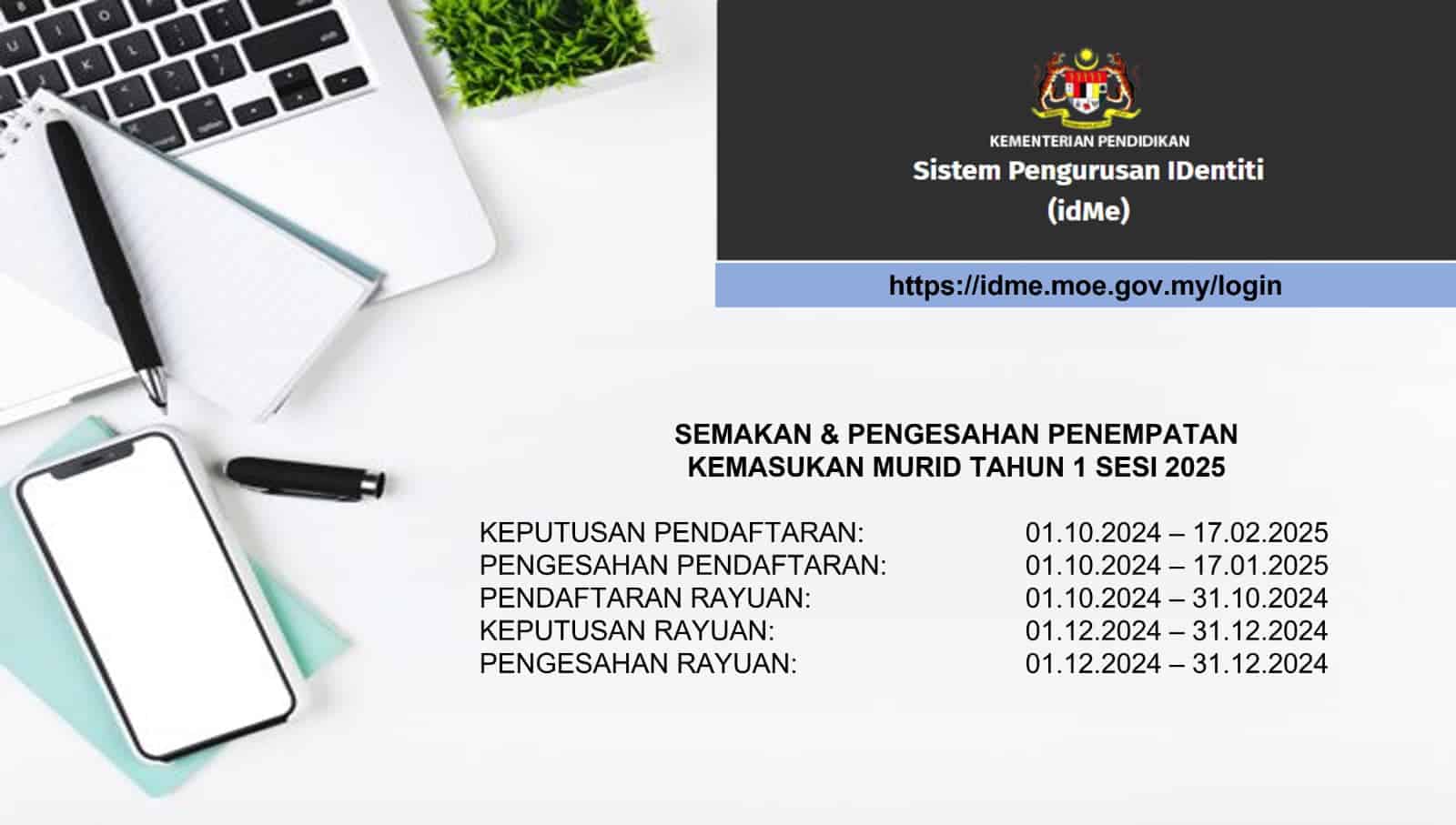
Student Information Year 1 (2026): Overview of Year 1, the ONLINE PLACE VERIFICATION PROCESS FOR SESSION 2025/2026 & APPLY APPLICATION – Please be told that the results of verification of the placement of verification & applications this year are 1 session of 2026 in the system IDME (Will Be Opened Start August 1, 2025. Reviews can be done online to make it easier for parents to be printed for registration.
Ask their parents of their children who will enter grade 1 of 2026, please note an important date to review and print your child / madam placement letter.
The settlement letter will be put together when registering for a child in January.
The following is shared how to make a review for registration made for session 2026.
Review of First Year Session 2026
Please be told that the decision to place the first year for the 2026 school session can be reviewed from August 1, 2025 (Friday) Through the Identity Management System (IDME) in the following link –

Additional warning (if the appeal is unsuccessful)
- If the results of the appeal Fail – Guardian parents need to confirm the placement they have given before. Please contact PPD or JPN for more information.
- In terms of appeal Success – Parents need to confirm the school receipt based on the approval of the appeal.
See the steps below:
How to review the year 1 session 2026
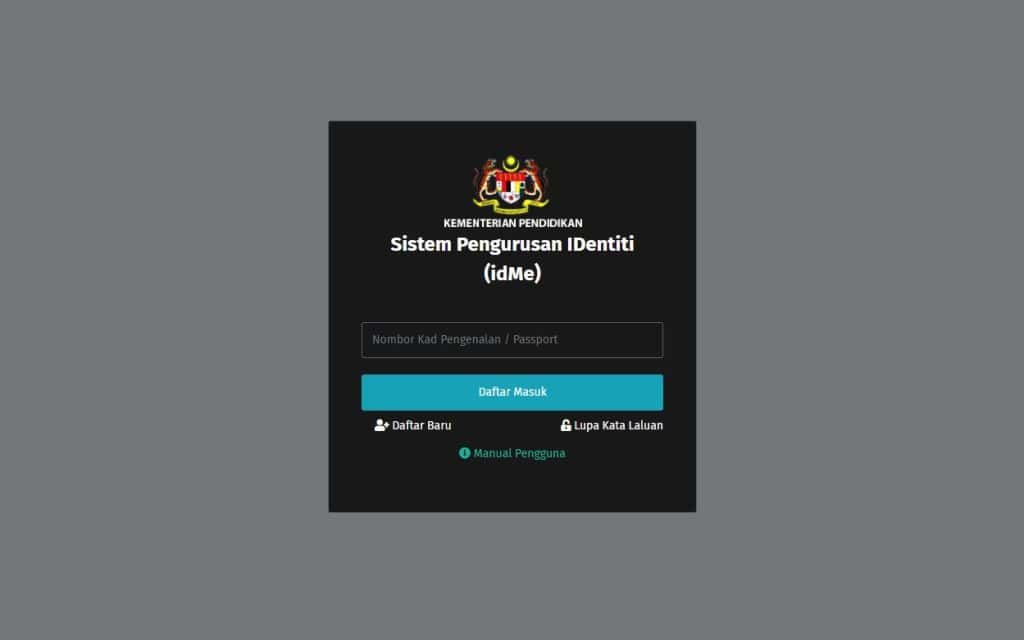
Step 1 – Login to the IDME portal
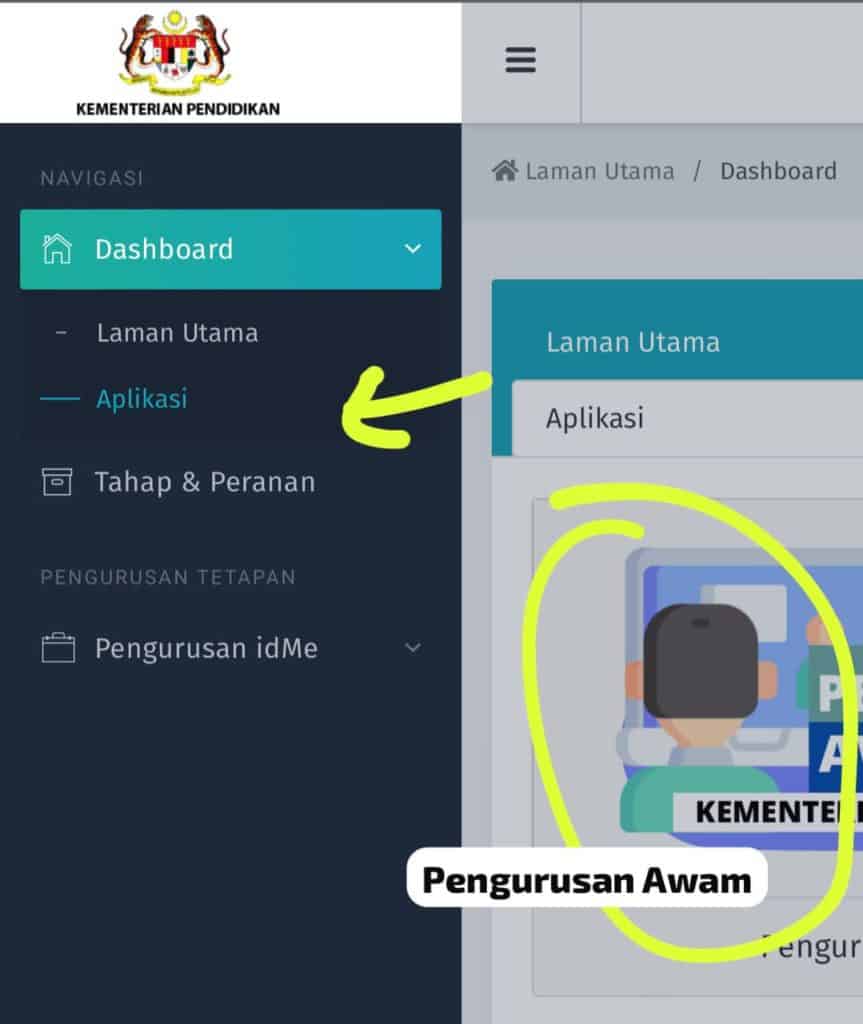
Step 2 – Go to the menu section (see picture)
Step 3 – Click Application
Step 4 – Click Application of acceptance
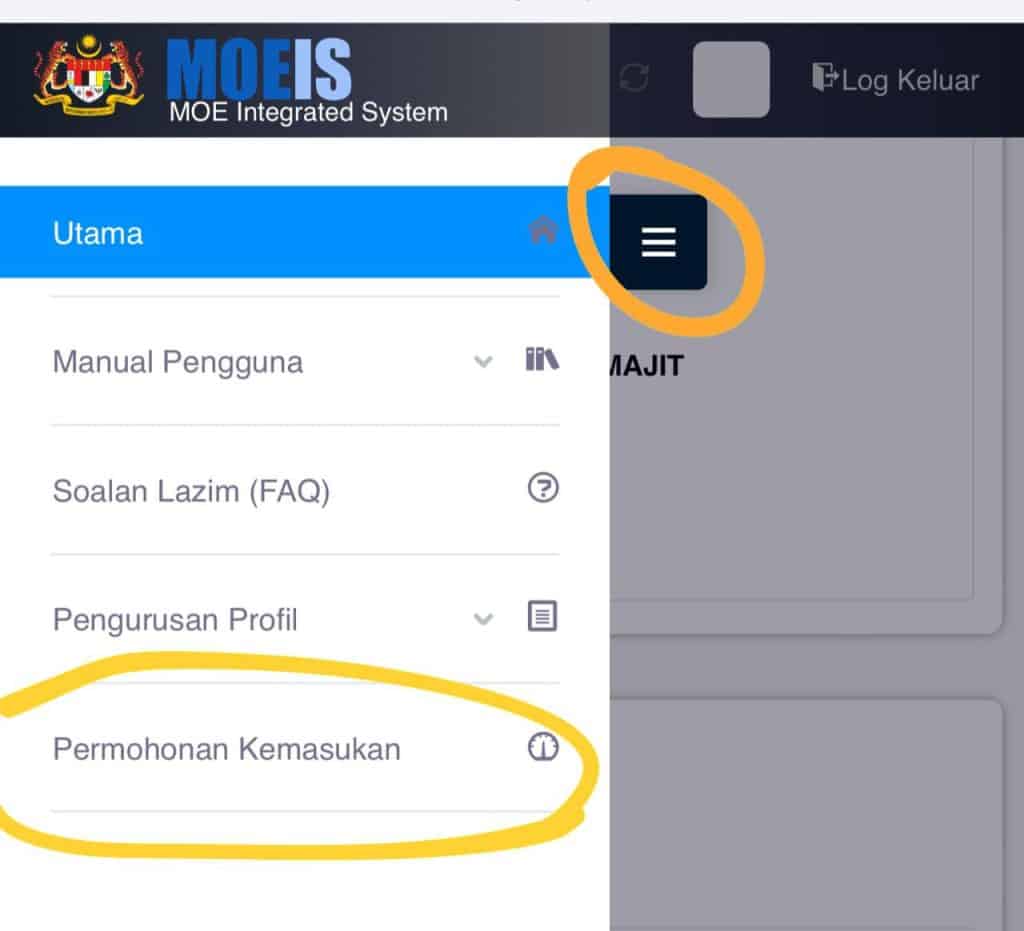
Click the menu section below
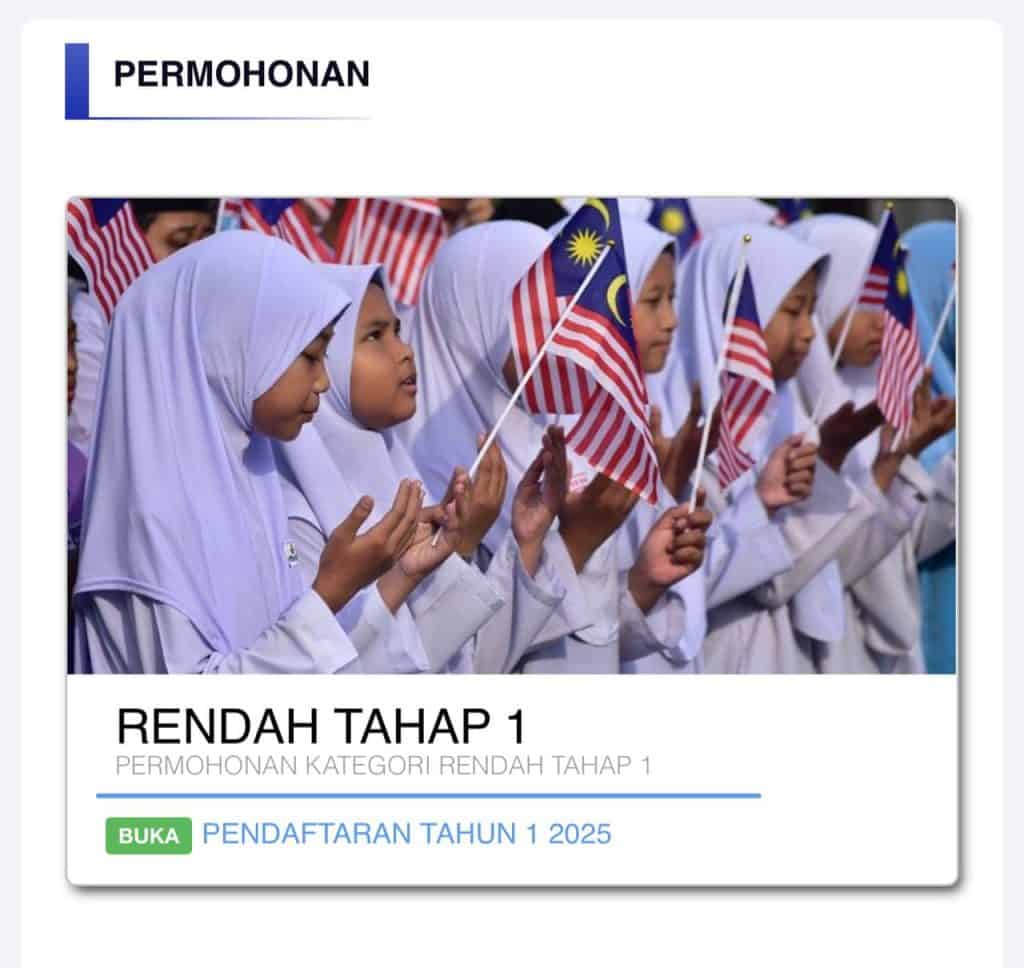
You will be taken to the application section.
Step 5 – Click Registration Year 1 2026
Successful application status will be displayed as follows:

Step 6 – Print the offer letter and send it to school.
This placement letter must be sent to the school office.
Parents need to confirm and print the placement letter for the first year as below:
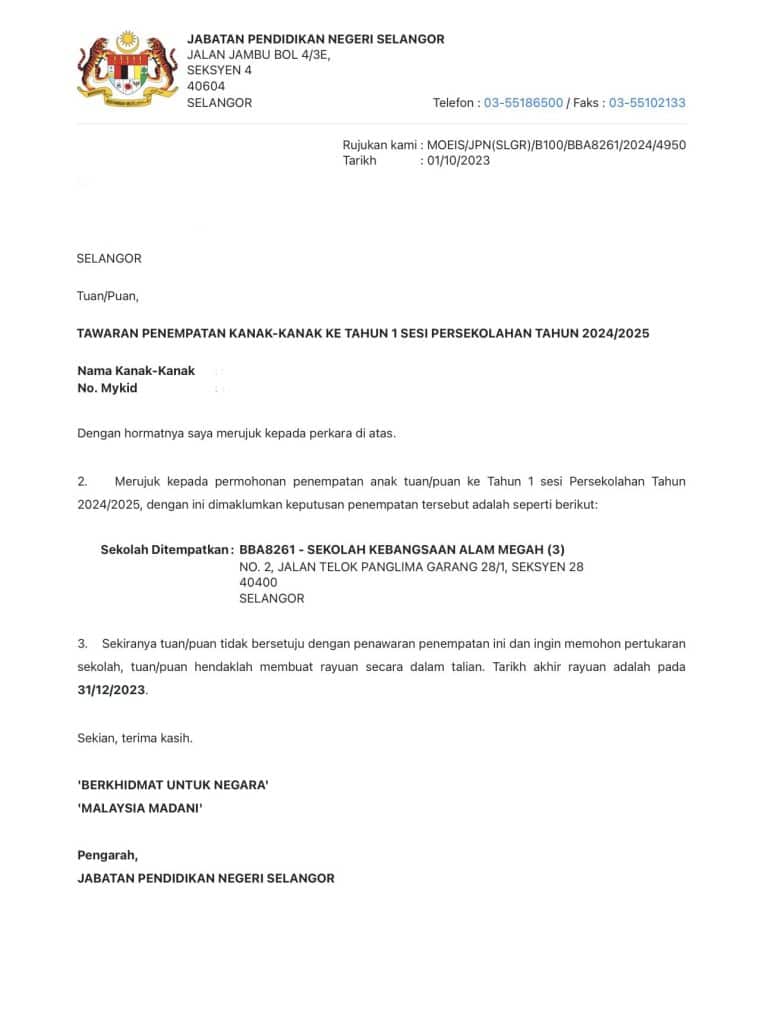
Also read: Children’s Assistance Application (BKK JKM) RM1000 per month
Parents’ actions
The following are actions that parents need to take after reviewing the placement of children.
Settlement certificate
- Parents/guardians need to confirm the placement in the online system.
- Settlement letters and school confirmation documents do not need to be sent physically to school. However, the copy needs to be printed and stored safely by parents/guardians to be used during registration to school when needed.
- Parents/guardians who are in trouble and cannot confirm the placement must contact the school where the confirmation process helps.
Appeal Appeal Year 1
If parents want to apply for an appeal for the placement received, you can appeal.
If parents/guardians do not agree with the placement displayed, they can appeal.
Together, this is also included in the user’s manual for your reference.
Consumer Manual: School Placement Appeals (Information Management Division, KPM)
Please refer to the guide below:
- Appeal appeal is only made online in the system and NO Manual appeal process.
- If you want to appeal, online certificates need to be made because the appeal button will only be active after the main/guardian certificate is implemented.
- The appeal results are final and need to be reviewed by parents/guardians in the same system.
- The appeal results need to be printed and stored by parents/guardians safely for the use of registration to school as needed.
School action
- Download, print, and save all placement letters including the attraction of the system (softcopy & hardcopy).
- Check the status of parent/guardian certificate. Contact parents/guardians who do not make online certificates. If parents/guardians experience problems, ask schools to help complete the process.
- Note notes for each action taken.
Hopefully this joint information can be used as a guide to implementing the work process.
Also read: Student Registration Year 1 Session 2026 KPM Online (public.moe.gov.my)
Step seduction year 1 if you do not agree with the school placed:
- Login
- Click confirm the placement
- Print the offer letter
- Please seduction (in the IDME system) starting August 1 to August 31, 2025.
Forgot the password
How can I get back a password if I forget?
- Press Forgot Password -> Fill in all fields no Mykad/User ID and confirm code-> Click the Password Valid button.
- Please check the email (based on the email that has been entered during registration)
- If the email entered at the time of registration is invalid to make a forgetful function, please send an email to the admin. *(With email subject: invalid email for password functions)
Overview of Further Information Year 1 Session 2025/2026
All questions and problems regarding school options, user account registration (user ID and password) can contact telephone numbers and emails with countries of the country registration.
Game Center
Game News
Review Film
Berita Olahraga
Lowongan Kerja
Berita Terkini
Berita Terbaru
Berita Teknologi
Seputar Teknologi
Berita Politik
Resep Masakan
Pendidikan
Berita Terkini
Berita Terkini
Berita Terkini
review anime
Gaming Center
Originally posted 2025-08-01 02:56:49.

![2026 Thomas Cup [LIVE] Malaysia Match Schedule, Results](https://pilih.uk/storage/2026/04/thomas-cup-2026-660x470.jpg)